

 Install the app
Servers for Small Businesses - How to Choose Wisely
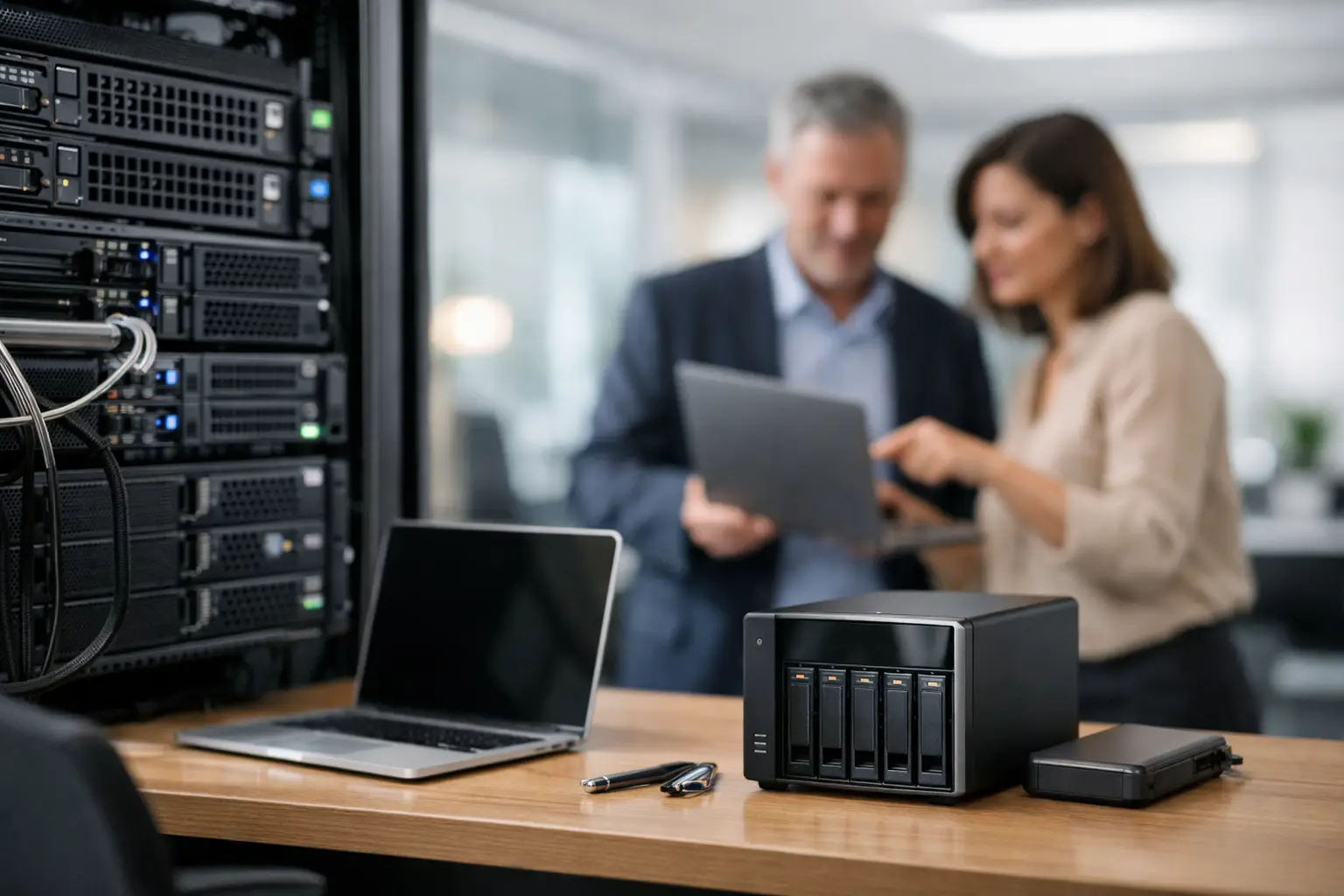
When a small office starts working with more files, more users, and more systems—the old computer in the corner is no longer sufficient. This is where servers for small businesses come into play: not as luxuries, but as the foundation for organized work, continuous backup, access permissions, and stable service for employees both in the office and remotely.
Why do small businesses need a server at all?
Many businesses delay this purchase because it seems possible to manage with a few powerful computers, a basic network disk, and point cloud services. This works until a certain point. Once shared documents need to be stored, users managed, accounting software run, ERP systems utilized, automatic backups set up, or surveillance cameras implemented, a load is created that requires dedicated infrastructure.
A server centralizes resources in one place. Instead of files being scattered across computers, backups being performed manually, and permissions managed piecemeal, there is one system that operates in a more organized manner. This is not only a matter of convenience; it also involves availability, data security, and the ability to grow without needing to replace everything every year.
On the other hand, not every small business needs a large, expensive, and noisy server. In most cases, the right choice is not the most powerful specification, but a server that fits the actual type of work.
What type of server is suitable for a small business?
The first choice is to determine whether a local physical server, a cloud server, or a hybrid model is needed. Each option has its advantages and disadvantages.
A physical server suits businesses that want local control, quick access to files within the office, and lower dependence on the internet. It is common in accounting offices, clinics, design firms, stores with POS systems, and businesses that operate legacy software that still runs better in a local environment.
A cloud server is ideal for businesses that want to avoid hardware maintenance, work from multiple branches, or provide easy access for remote employees. The downside is a constant dependency on connectivity, costs that can rise over time, and sometimes less control over the working environment compared to a local server.
In practice, many businesses choose a hybrid model. For example, a local server for files, cameras, or an internal system, combined with cloud backup or email and cloud-based applications. This is a logical choice for a business that needs high availability but also flexibility.
When is a Tower server sufficient?
For a small business with 5 to 20 users, a Tower server is often a good starting point. It’s quieter, easier to set up, and typically doesn’t require a dedicated network cabinet like a Rack server does. If you need a file server, backup, user management, one or two office systems, basic virtualization, or storage for cameras, this is generally a cost-effective solution.
When should you switch to a Rack server?
If the business already has a network cabinet, advanced network equipment, a need for higher scalability, or several servers on the same infrastructure, a Rack server would be the natural choice. It is also suitable for businesses wanting better physical organization, convenient future upgrades, and centralized hardware management.
The specifications that truly matter when buying servers for small businesses
It’s easy to get caught up in core counts or processor models, but for a small business, there are several more important points.
The processor should match the workload. If the server is only used for file storage, backups, and permissions, a high-end processor is unnecessary. If it runs several virtual machines, databases, an ERP system, or collaborative services, a server-grade processor with real operational capacity is needed.
Memory is one of the most critical points. Many businesses buy servers with minimal memory and then quickly realize that performance suffers. For basic use, starting with 16GB or 32GB is possible, but if there is virtualization, databases, or multiple services running simultaneously, it’s best to leave room for future upgrades.
Storage is where you shouldn’t skimp. A server with SSD or NVMe drives offers faster response times compared to only using mechanical drives, especially when accessing many files or when several users are working simultaneously. However, not all data needs to reside on the fastest storage. A combination of fast drives for the system and applications, along with larger capacity for archiving and backups, is often the more appropriate solution.
It is also very important to check for RAID support. While this is not a backup, it is an important layer of protection in case of disk failure. For small businesses without a dedicated IT department, basic redundancy can save hours of downtime.
Dual power supplies, remote management cards, and good manufacturer warranties are not trivial details. If the server crashes in the middle of a workday, what matters is not just the specifications but how quickly the system can be diagnosed, replaced, and brought back online.
Common uses for a small server in a business
Not every business purchases a server for the same reason. Some offices need a well-organized file server with user permissions. Some stores need a server for point-of-sale systems, inventory, and backups. Some graphic studios require fast central storage for large files. And some companies operate CRM, ERP, or multi-user work environments.
In other cases, the server serves as a local backup hub, domain controller, print server, or manages surveillance cameras and recordings. These are entirely different loads, which is why it's important to define the role in advance. Buying a "server for business" without specifying its purpose could lead to overspending or underperformance.
Common mistakes when purchasing a server
The first mistake is buying based solely on price. A server that is too cheap may come with limited expansion options, low memory, basic storage, or unsuitable warranties. In the short term, this seems like savings, but in the long run, it typically costs more.
The second mistake is to buy a server that is too powerful relative to the need. If a business has six employees and all usage involves files, backups, and one office software, there’s no reason to overload the budget with a system designed for a medium-sized organization. It's better to invest in proper storage, smart backup, and reliability.
The third mistake is ignoring expansion. Even a small business can grow quickly. When purchasing a server, it's advisable to check how many drive bays are available, how much memory can be added, whether there are open expansion slots, and if the processor and motherboard will accommodate reasonable upgrades in the future.
Local servers vs. NAS - Not the same thing
Many business owners are torn between NAS and servers. This is a legitimate question, but it’s important to understand that they do not always replace each other.
NAS is excellent for file sharing, backup, and sometimes even running light services. It’s convenient, cost-effective, and relatively easy to manage. In contrast, a dedicated server offers higher processing power, broader flexibility, better support for business applications, and the capability to run more complex work environments.
If the business only requires centralized storage and basic backup, a quality NAS may suffice. However, if there are many users, dedicated software, domains, databases, or virtualization needs—a server is the right choice.
How to set a proper budget
A budget for a server doesn’t start and end with the box itself. It needs to account for drives, memory, an operating system if required, backup solutions, a UPS, and sometimes even a network cabinet or infrastructure upgrades. Those who only consider the server price miss the bigger picture.
Therefore, it’s wise to think in three layers: the initial cost of the hardware, the setup and maintenance costs, and the cost of downtime if the system does not fit. Often, a slightly more expensive server with a good warranty, quality components, and expansion options is the more economical choice.
What to check before ordering
Before purchasing, it's advisable to answer a few simple questions: How many users will be working on the server, what systems will run on it, how much capacity is required today and what is expected in two years, is remote access necessary, and how sensitive is the business to downtime?
Additionally, it’s wise to check the installation environment. Is there suitable physical space, adequate ventilation, stable electricity, and sufficient network infrastructure? A good server installed in an unsuitable environment will not deliver the desired results.
If you are purchasing from a large catalog such as TopMarket, the advantage is the ability to compare models, configurations, brands, and specifications without being stuck on just one option. This is especially important in a category like servers, where small differences in specifications can greatly affect actual suitability.
Servers for small businesses - the right choice is a fit, not excess
A good server doesn’t need to be the largest in its category or the most expensive on the page. It should provide the business with stable operation, appropriate volume, reasonable security, and flexibility for growth. By considering usage type, user load, required availability, and overall budget, it becomes much easier to make an accurate choice.
If you are about to make a purchase, don’t just look for a powerful server. Look for a server that fits your business now, and equally important—one that will still be suitable a year or two from now, as operations grow and requirements become clearer.
- How to Choose a Wireless Network for a Retail Store?
- Smart Homes That Truly Fit Your Home and Budge
- <h1>Case Study: An Office Computer Upgrade That Saved Time and Money</h1>
- Recommended Gaming Mice for Large Hands: How to Choose the Right One
- When to Repair or Replace Your Computer Monitor: A Repair Shop’s Guide

