

 Install the app
Which Graphics Card is Suitable for Gaming in 2026
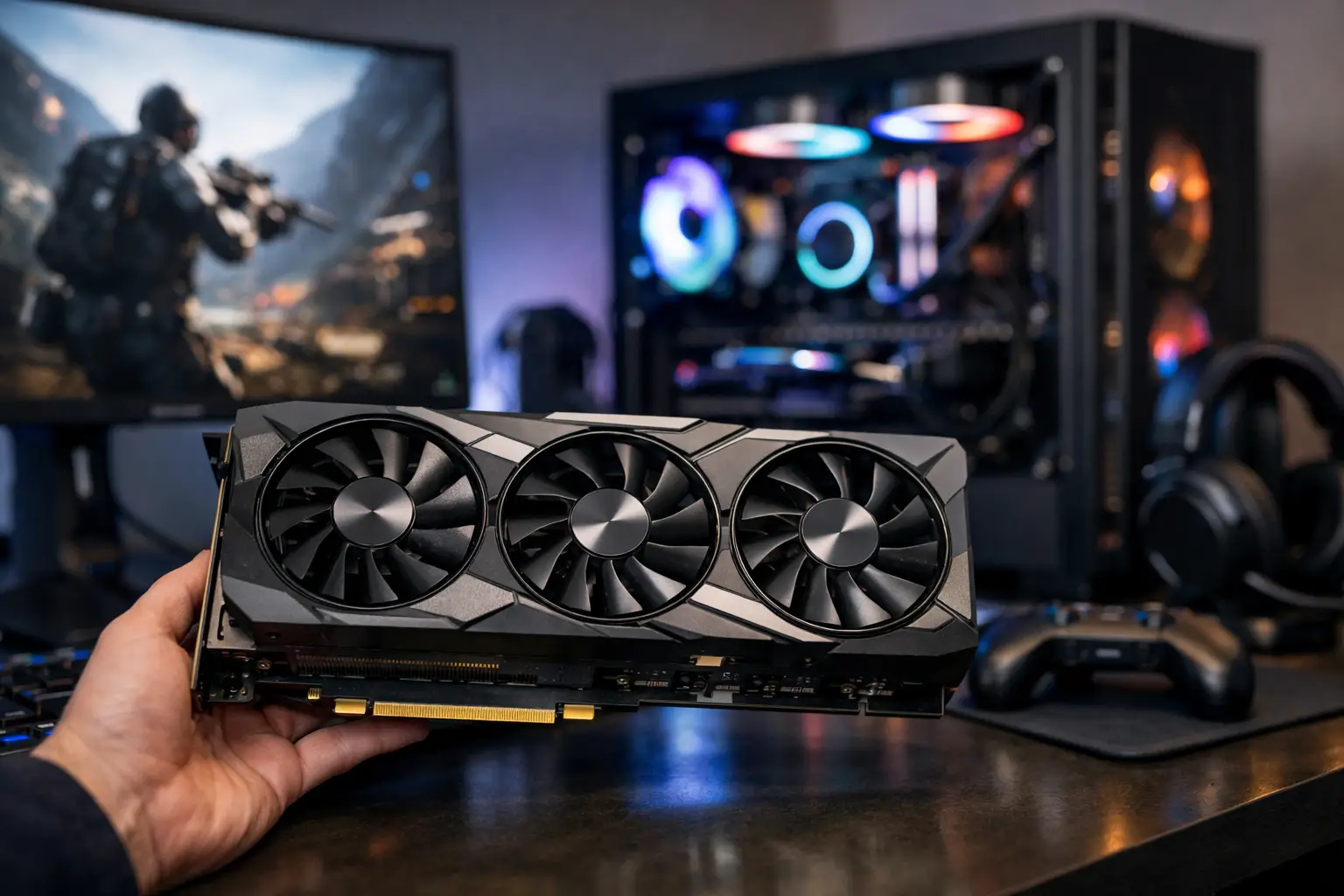
If you're about to buy a new computer or upgrade an existing system, the question of which graphics card is suitable for gaming is determined by much more than just the number of FPS. The right choice depends on the resolution, the refresh rate of the monitor, the type of games, the processor already installed, and also the budget you actually want to allocate. A card that is too powerful might be a waste, while a card that is too weak will lead to unnecessary compromises from day one.
Which Graphics Card is Suitable for Gaming by Resolution
The most practical way to choose a graphics card is to start with the monitor, not the advertisement. A player using a Full HD monitor at 144Hz does not necessarily need the same card as someone playing on QHD or 4K. Once you define the resolution and refresh rate, many irrelevant options automatically fall away.
For Full HD, most gamers look for a combination of good price and stable performance. Here, entry to mid-range graphics cards are usually suitable, especially if the goal is competitive eSports titles like CS2, Valorant, Fortnite, or Rocket League. In such games, achieving high and consistent FPS is more important than running every graphic effect on ultra settings.
In QHD, the demands clearly increase. This resolution has become the most popular balance point for serious gaming in recent years, as it provides higher sharpness than Full HD without the demanding leap to 4K. Here, a strong mid-range card or a more advanced model is usually necessary, especially if you want to take advantage of a 144Hz or 165Hz monitor.
In 4K, the graphics card becomes the central component of the specification. New games at this resolution require significant processing power and generally also higher graphical memory capacity. If the budget isn't suitable for such performance levels, it's better to switch to QHD for a more balanced gaming experience instead of just chasing 4K on paper.
Not Just the Card – The Type of Games Matters Too
Those who primarily play competitive titles will benefit differently than those who play heavy AAA games. In competitive games, even graphics cards that aren't considered high-end can deliver very high frame rates, provided the processor is strong enough and the rest of the system is balanced. In such cases, it might sometimes be better to allocate part of the budget for a faster monitor or a better processor.
On the other hand, in open-world games, simulators, or titles with Ray Tracing, the graphics card is the main bottleneck. Here, the differences between performance levels are much more pronounced, and technologies like DLSS or FSR can significantly influence the actual value. Anyone looking for high graphics quality over time should consider not only what games require today but also what they will demand in two to three years.
How Much VRAM is Really Needed
The amount of graphical memory has become one of the most attention-grabbing specifications, but it needs to be understood in the right context. Not every card with more VRAM is automatically a better choice. The core quality, bandwidth, cooling system, and power consumption are equally important.
Still, there is a useful rule of thumb. For Full HD gaming, a memory capacity of 8GB can often suffice, especially if you're not jumping straight to ultra settings in every game. In QHD, it’s more comfortable to see 10GB to 12GB, while for 4K or especially heavy games, it's advisable to check models with 12GB or more. Anyone purchasing a card for multi-year use should allow for some cushion, as texture and effect demands continue to rise.
Which Graphics Card is Suitable for Gaming by Budget
In practice, most purchases start from the amount rather than the dream. Therefore, it makes sense to divide the choice into three clear levels.
In the entry budget, the goal is to achieve good performance in Full HD without exceeding the bottom line. At this level, look for cards that target 60 to 144 FPS, depending on the game, and ensure they come with proper cooling, organized warranty, and compatibility with the existing power supply. There's no need to pay extra just for a fancy model with RGB lighting if the performance is almost identical.
In the mid-range budget, this is typically the most cost-effective point for most gamers. Here, you can aim for very strong Full HD or good-level QHD and enjoy better capabilities in new games. This is the area where comparing models from different manufacturers really matters, as sometimes the price differences are small but cooling quality, noise levels, or operating frequencies make a real difference.
In a high budget, the question is not just whether the card is strong, but whether the rest of the system can take advantage of it. If the processor is old, if there's only 16GB RAM in a system requiring more, or if the monitor remains at standard Full HD, a premium card might not be the right expenditure at the moment. In other words, a very strong graphics card does not fix an unbalanced specification.
Common Mistakes in Choosing a Graphics Card
One of the most common mistakes is buying based solely on the series name. Not every model in the same family delivers the same value, and certainly not every manufacturer's cooling version is worth the extra cost. It's essential to check actual performance, VRAM volume, card length, power connection requirements, and warranty conditions.
Another mistake is ignoring the case and power supply. Some large cards do not physically fit in all cases, and some models require a quality power supply with adequate wattage and specific connectors. Even if the card looks appealing on paper, such incompatibility will incur unnecessary additional costs or limit system stability.
Many buyers also fall into an incorrect comparison between different generations. A newer card doesn't always offer a performance leap that justifies the price difference, especially if your goal is Full HD gaming. Sometimes, a strong mid-range model on sale will be a smarter purchase than a newer but weaker model.
Compatibility with the Processor and Other Specifications
A graphics card does not work alone. If you combine a strong card with a weak processor, in certain games you won't get the performance you paid for. This is particularly noticeable in eSports games, where the processor significantly impacts FPS. Therefore, it's essential to check that the system is balanced before purchase and not select the card as if it's an isolated component.
The size of the main memory also matters. Today, 16GB RAM is considered a reasonable base for gaming, but in newer computers or heavier games, 32GB is becoming more relevant. If you plan to play, record, open a browser, and run additional software in the background, it’s worth considering in advance.
Storage impacts load times and the user experience less than frame rates, but a solid combination of a good graphics card with a fast SSD simply feels more right in a modern gaming system.
When is it Worth Paying More?
There are situations where a price increase is truly justified. If you play on a QHD or 4K screen, if Ray Tracing matters to you, if you plan to keep the card for several years, or if you want both gaming and graphic work, a stronger model can be an efficient choice and not just indulgent.
There is also value in build quality. A card with better cooling will generally run at lower temperatures and noise levels, and sometimes maintain high frequencies over time. This doesn't always justify every price difference, but it is worth checking, especially if the computer runs for extended periods or is in a quiet work environment.
So How Do You Decide?
If you’re still asking which graphics card is suitable for gaming, the short answer is to filter by four variables: resolution, type of games, budget, and the rest of the specifications. Anyone gaming in Full HD looking for good value doesn’t need to chase the most expensive models. Those aiming for QHD with high refresh rates should step up. And those planning for 4K or advanced graphic effects must consider the cost of the entire system, not just the card.
On a website like TopMarket, where you can compare models, specifications, and price levels in one place, it’s easier to identify whether you’re paying for actual performance or just for branding. This is the exact difference between a quick purchase and a smart one.
The best decision is not to buy the most powerful card you can afford, but the one that fits your monitor, your games, and the next upgrade that’s already on the horizon.
- Smart Homes That Truly Fit Your Home and Budge
- <h1>Case Study: An Office Computer Upgrade That Saved Time and Money</h1>
- Recommended Gaming Mice for Large Hands: How to Choose the Right One
- When to Repair or Replace Your Computer Monitor: A Repair Shop’s Guide
- Video Editing Computer Buying Guide by Budge

