

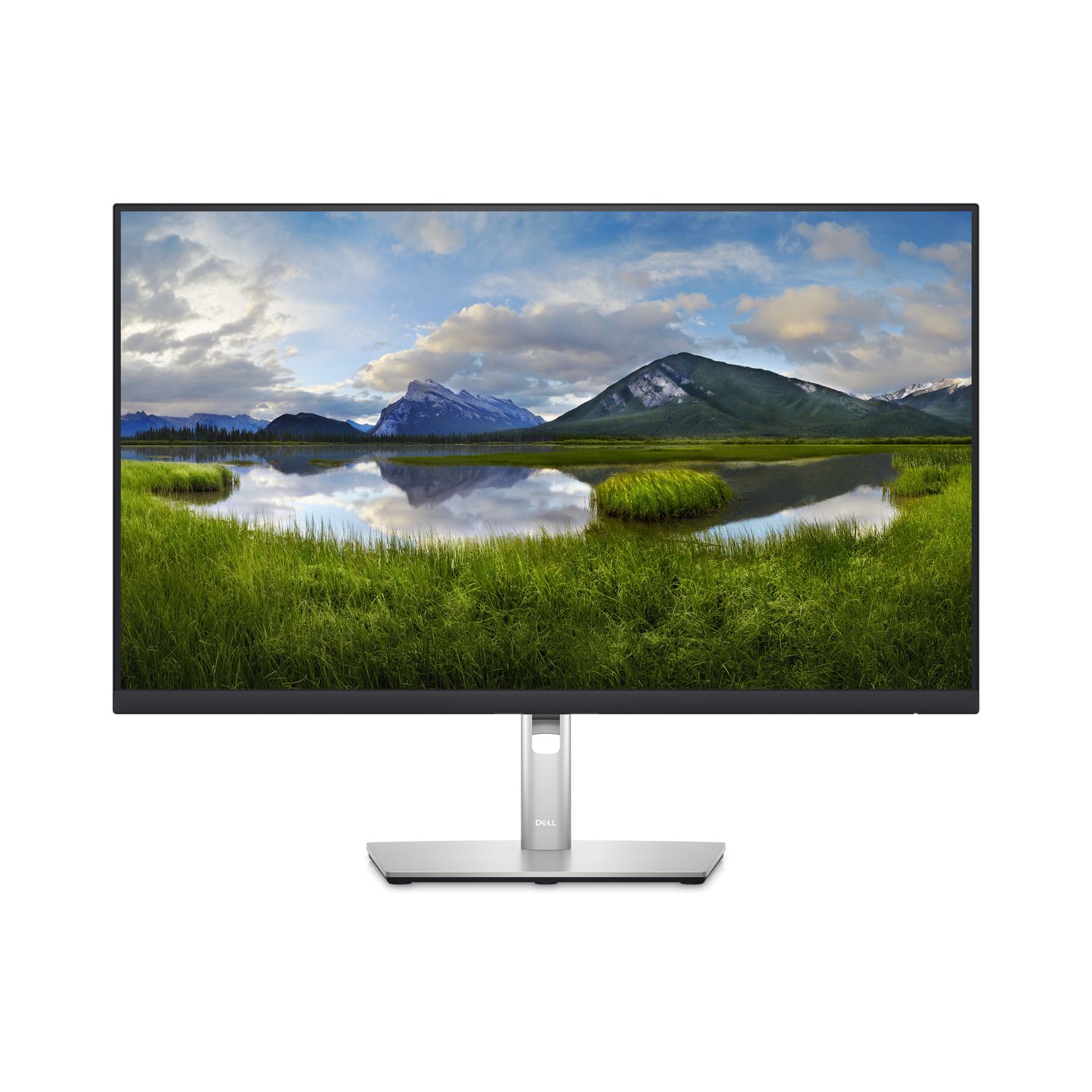
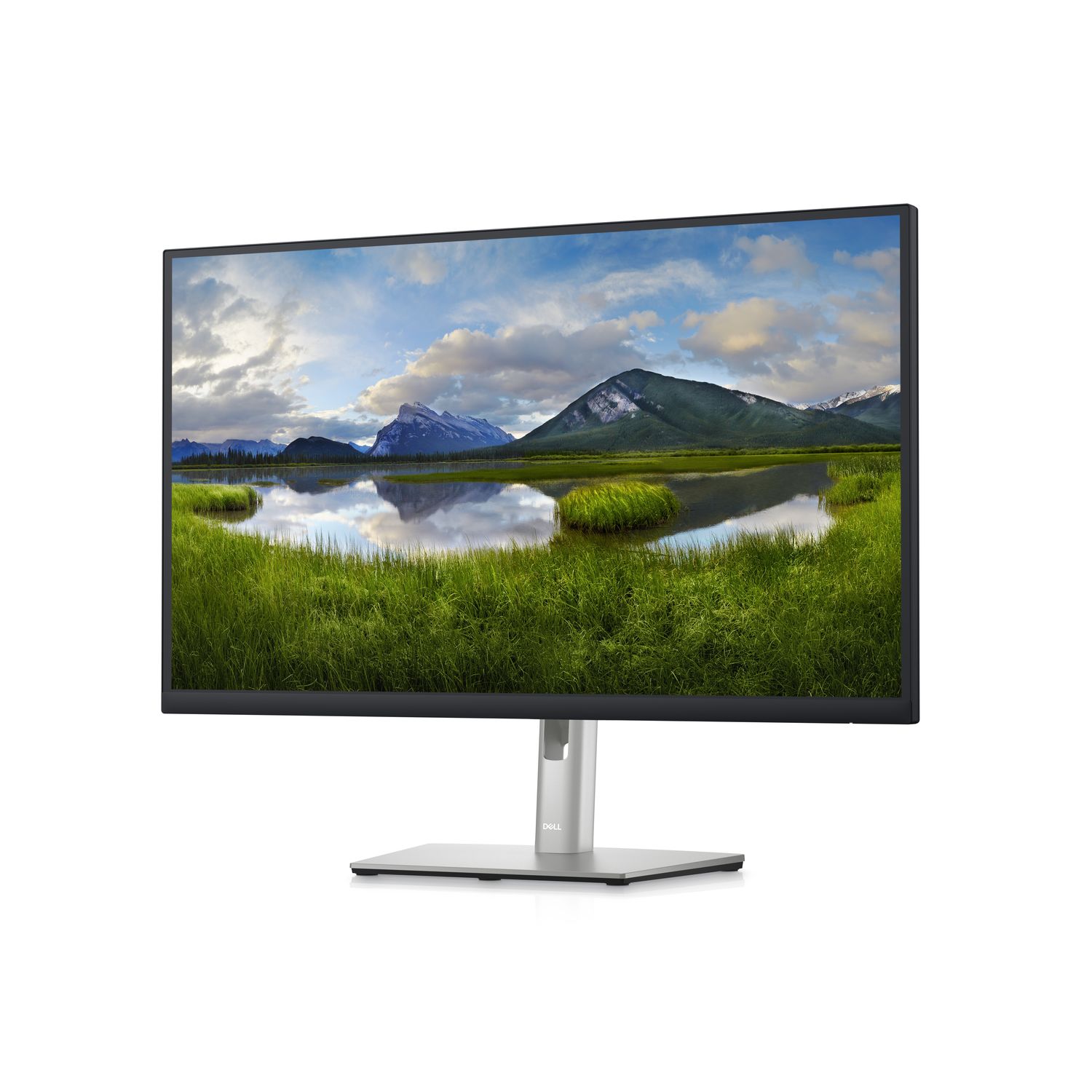
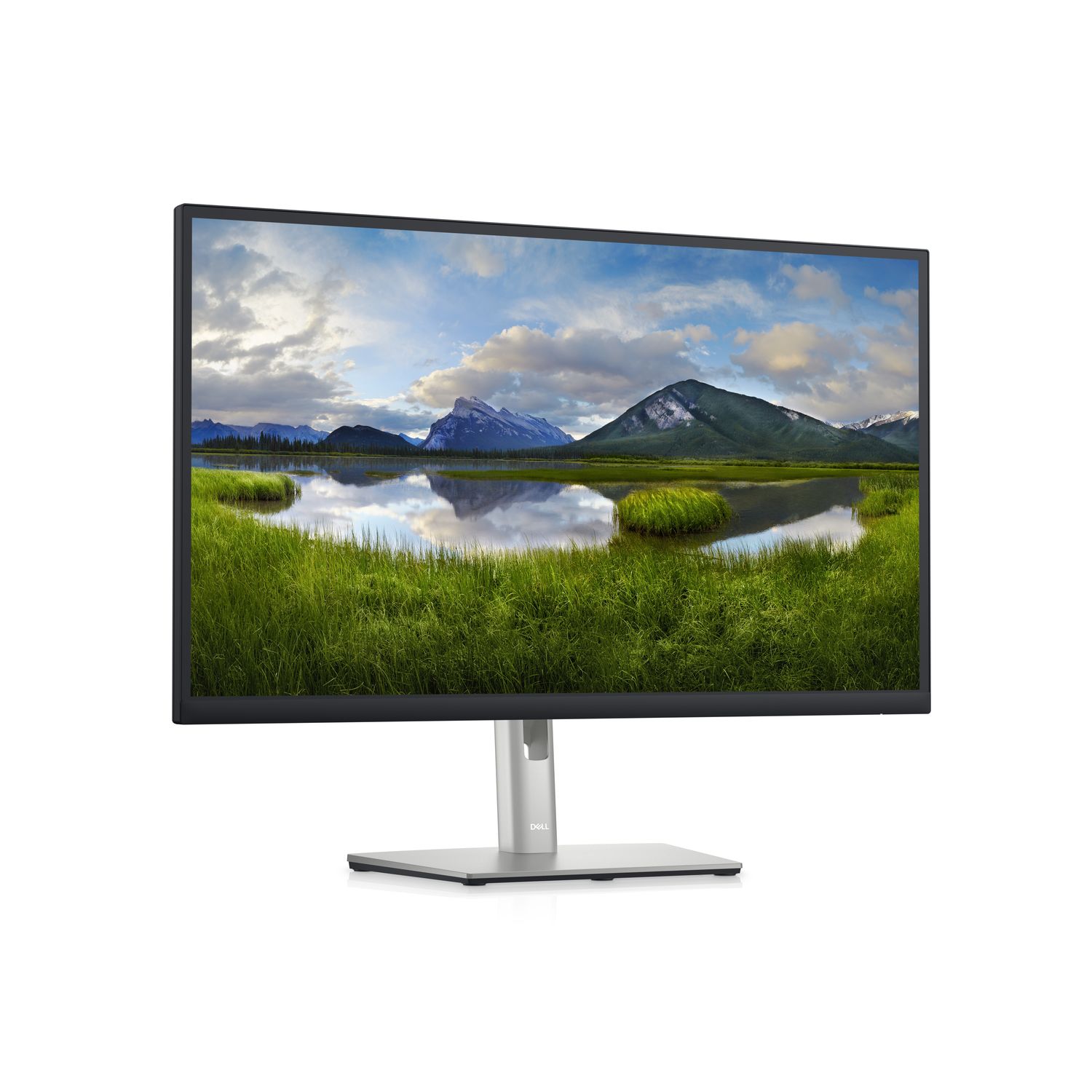
DELL P Series P2723D - 27" Monitor, Quad HD, LCD, Black, Silver


- — אחריות: שנה אחריות
- — החזרה והחלפה עד 30 יום
- — המחיר הטוב ביותר
- תצוגה אלכסוני27"
- טכנולוגיית מסךLCD
- Panel typeIPS
- סוג HDQuad HD
- Display resolution2560 x 1440 pixels
- יחס ניגודיות (טיפוסי)1000:1
- קצב רענון מרבי60 הרץ
- זמן תגובה5 מטר/שניה
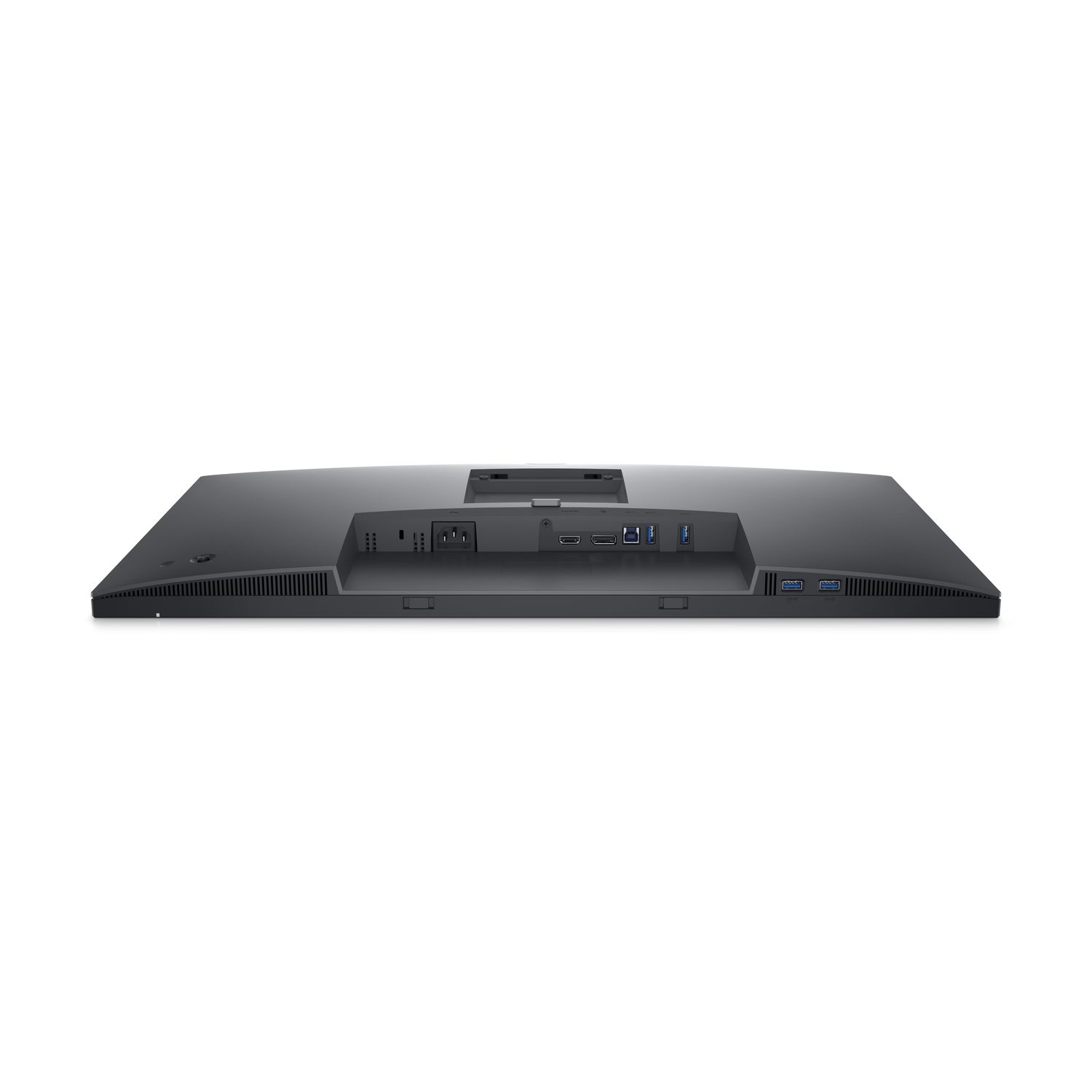
- מספר יציאות HDMI1
- מספר יציאות Display Port1
- מפצל USB מובנהכן
- ממשק לתליית מסך VESA100 x 100 mm
- כל התכונות
Maximum productivity. Maximum comfort.
See more, do more:
Get more done with more screen real estate on a 27-inch, QHD monitor.
Extensive connectivity:
Easily connect to your devices with DisplayPort, HDMI, 4x SuperSpeed USB 5Gbps and more.
Custom set up for maximum efficiency
Designed with wellness in mind:
ComfortView Plus—an always-on, built-in low blue light screen—reduces potentially harmful blue light emissions without compromising color.
Simple customization:
Navigate and adjust your monitor screen settings with the easy-to-use joystick control.
Moves with you:
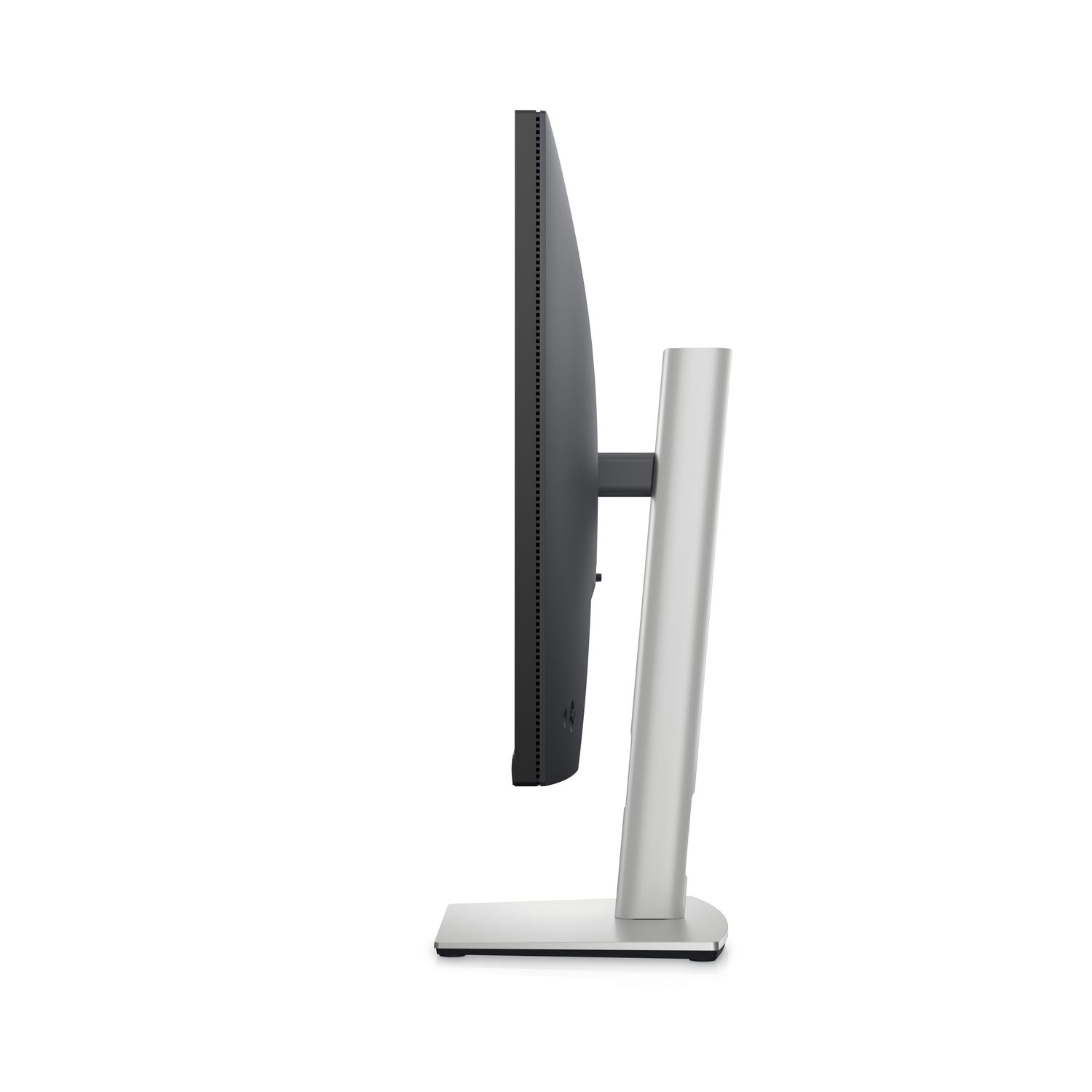
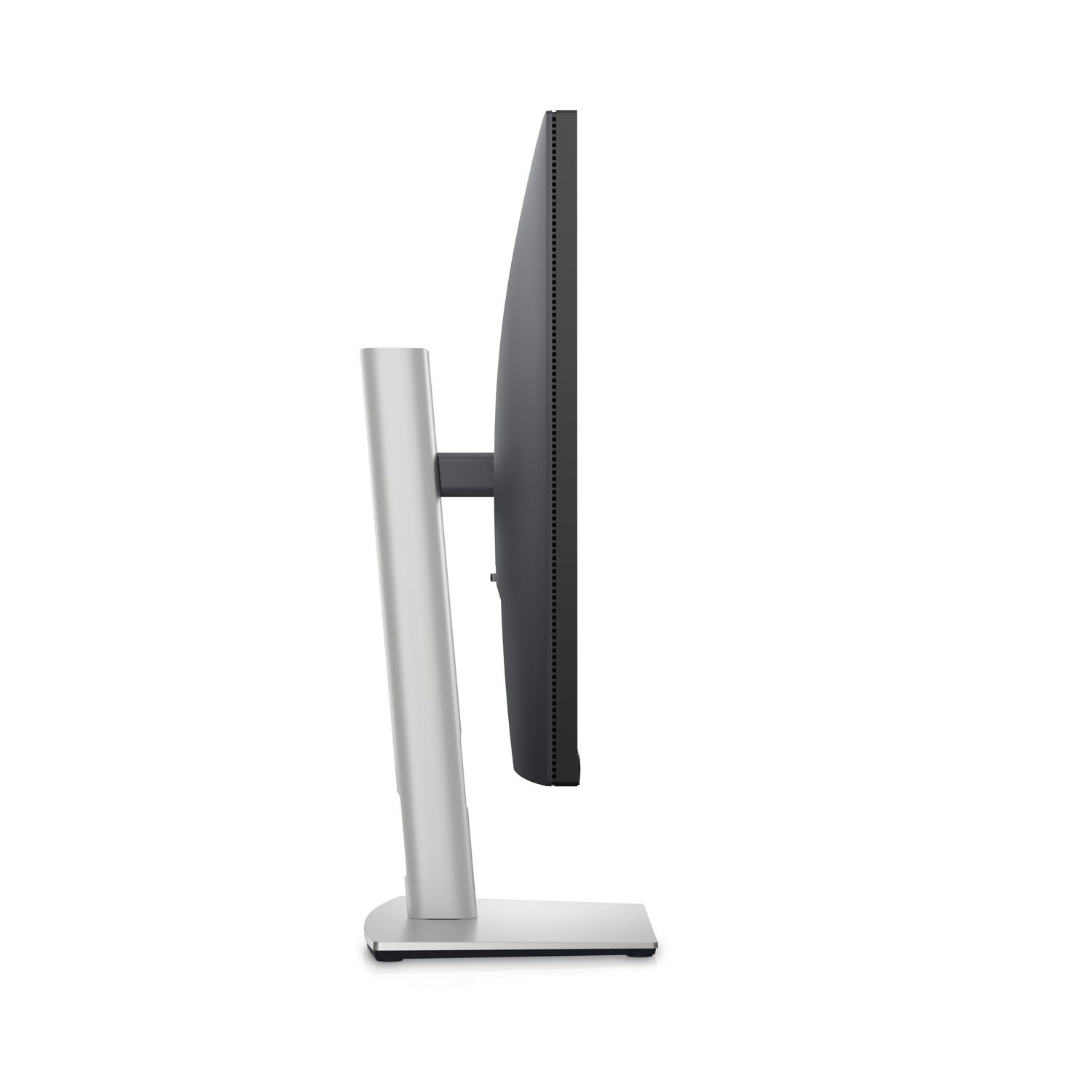
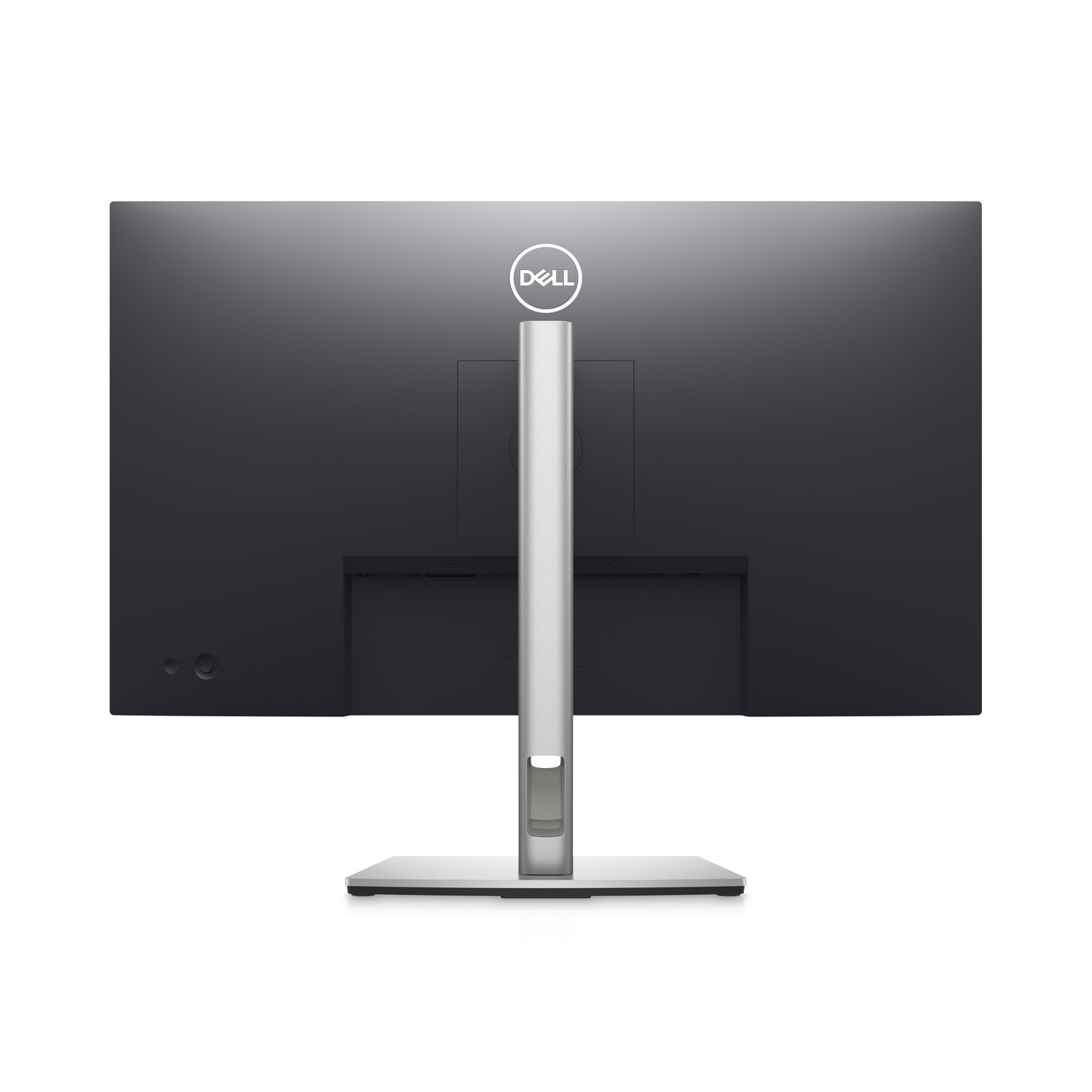
Optimize your monitor’s orientation by tilting, swiveling and adjusting the height to a maximum of 150mm.
Turn your workspace into an organized productivity hub
Expanded efficiency:
The three-sided ultrathin bezel design lets you enjoy an uninterrupted view of your content across multiple monitors, and you can increase your productivity by up to 21% with dual monitors.
Color consistency comes standard:
See consistent, vibrant colors across a wide viewing angle enabled by In-Plane Switching (IPS) technology. With 99% sRGB coverage, you get precise hues right out of the box.
Advanced multitasking with Dell Display Manager
Productive at every level:
Easy Arrange allows you to easily tile multiple applications across one or more screens with 38 pre-set window partitions and the ability to personalize up to five windows, giving you improved multitasking abilities.
Seamless transitions:
The auto-restore feature remembers where you left off, so applications will go back to where you left them, even after you’ve unplugged.
The key to convenience:
Shortcut keys can save you even more time, letting you easily configure your display management settings so you can get to work faster.
More ways to manage:
Asset management reports allow IT managers to quickly capture and track monitor information as well as configure multiple monitors at once through a single setup.
חיפוש וידאו אוטומטי לפי שם של המוצר (ייתכן שהתוצאה לא תואמת למוצר המפורסם באתרינו).
לא נמצאו ביקורות


